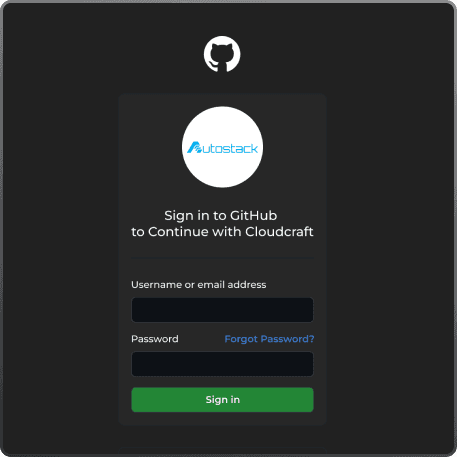
Seamless Git Integration
Effortlessly connect your projects to Git for streamlined version control and CI/CD workflows.
Seamless Git
Integration for Your
Projects
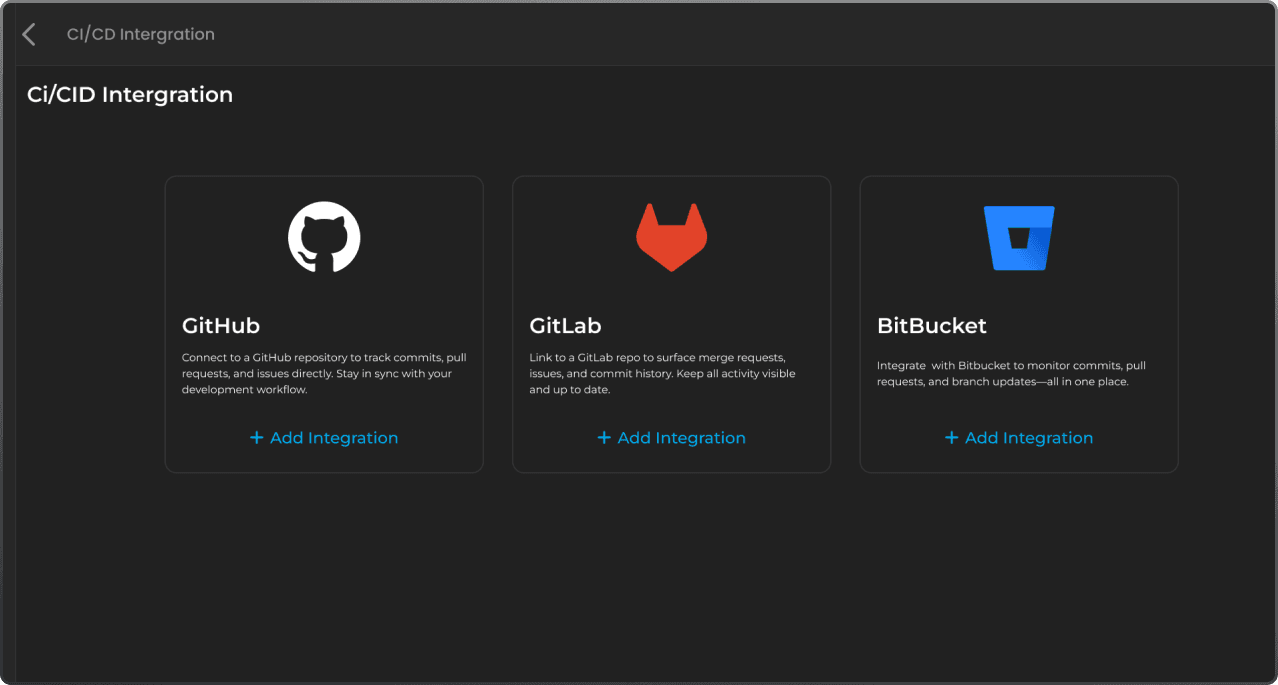
Easily connect AutoStack to your favorite Git platforms like GitHub, GitLab, and Bitbucket. Streamline your workflow with automated commits and CI/CD pipeline setups.

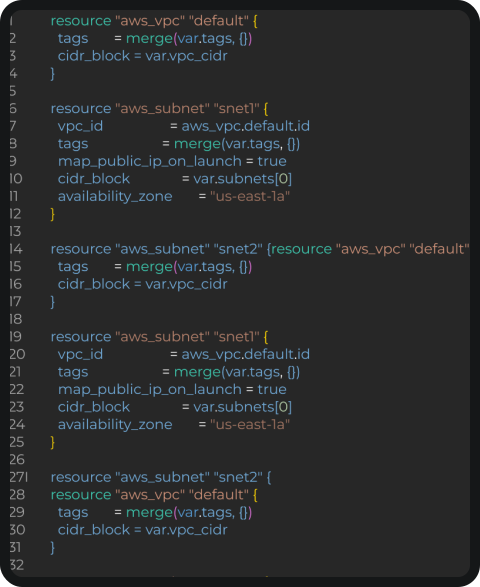
Commit your infrastructure code directly to your chosen Git branch with ease.

Set up preconfigured CI/CD pipelines to enhance your deployment process.
Integrate
Seamlessly Commit Your Infrastructure Code
Easily connect your projects to GitHub, GitLab, or Bitbucket. Commit your infrastructure code to selected branches for streamlined version control.

Gain insights into your cloud architecture effortlessly.

"Identify resource relationships and dependencies visually."

Simplify management with intuitive visual tools.
Effortlessly Set Up Your CI/CD
Pipelines with
AutoStack's Git
Streamline your development process by integrating AutoStack with your favorite Git platforms. Our preconfigured CI/CD pipelines ensure seamless deployment and continuous integration.

Easy Integration
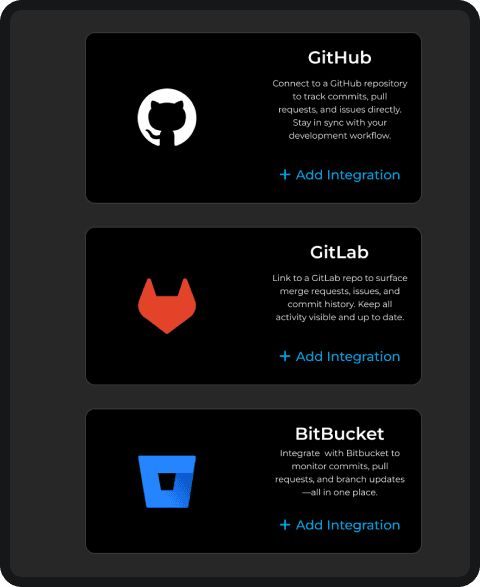
Connect to GitHub, GitLab, or Bitbucket with just a few clicks.

Streamlined Workflow
Easily deploy to leading cloud providers with just a few clicks.
Seamless Git Integration for Effortless Infrastructure Management and Collaboration
Empower Your Team with Git-Based Version Control for Infrastructure as Code
Our Git integration enables automatic version control, enhancing collaboration and deployment efficiency.
Learn MoreStreamlined Deployment Processes with Preconfigured CI/CD Pipelines
Set up CI/CD pipelines effortlessly, ensuring quick and reliable deployments.
Sign UpEnhanced Collaboration Through Shared Projects and Team Management Features
Collaborate effectively with your team by sharing projects and managing roles.
Get StartedIntegrate
Seamlessly Connect Git with AutoStack
Integrating Git with AutoStack enhances your workflow by allowing you to manage your infrastructure code efficiently. With just a few steps, you can connect your repositories and streamline collaboration within your team. Experience the power of version control while deploying your cloud infrastructure effortlessly.

Steps to Connect Your Git Repository
Follow these simple steps to get started.

Step 1: Choose Your Git Provider
Select GitHub, GitLab, or Bitbucket as your provider.

Step 2: Authorize AutoStack Access
Grant AutoStack permission to access your repositories.
Customer Testimonials
AutoStack transformed our cloud infrastructure management
"AutoStack made deploying our infrastructure a breeze. The AI assistance is a game changer!"
Jane Doe
CTO, Tech Innovations

"The platform's ease of use is unmatched. We've saved countless hours!"
John Smith
DevOps Lead, Cloud Solutions
"We love how AutoStack simplifies infrastructure management. Highly recommended!"
Emily Davis
Head of Engineering, CloudOps
"We love how AutoStack simplifies infrastructure management. Highly recommended!"
David Lee
Head of Engineering, CloudOps
Connect Your Git Account