Terraform Code Viewer

Explore your infrastructure like never before. Our Terraform Code Viewer provides a clear, syntax-highlighted interface for editing, downloading, and deploying your infrastructure code effortlessly.

View

Explore Your Terraform Code with Ease

Our syntax-highlighted viewer makes it easy to read and edit your Terraform code. Gain full visibility and control over your infrastructure configurations at a glance.
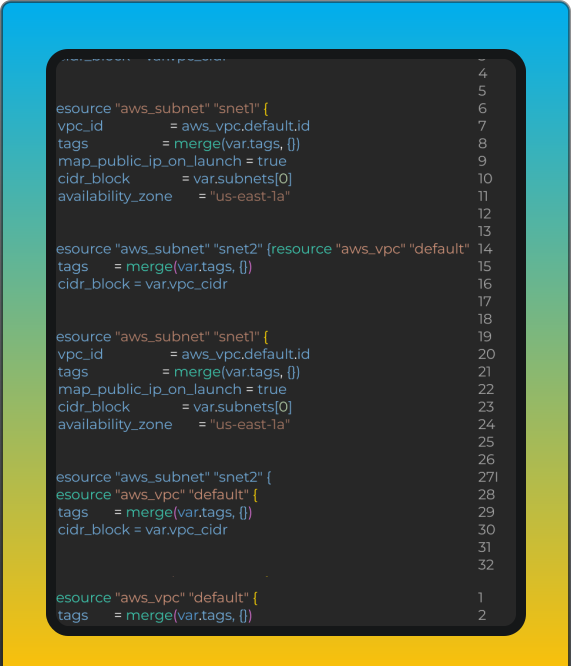
Terraform Preview

Seamlessly Access and Manage Your Terraform Code with Ease

Our Terraform Code Viewer empowers you to take control of your infrastructure. Easily download, copy, or deploy your Terraform code with just a few clicks. Experience a streamlined process that enhances your cloud management capabilities.
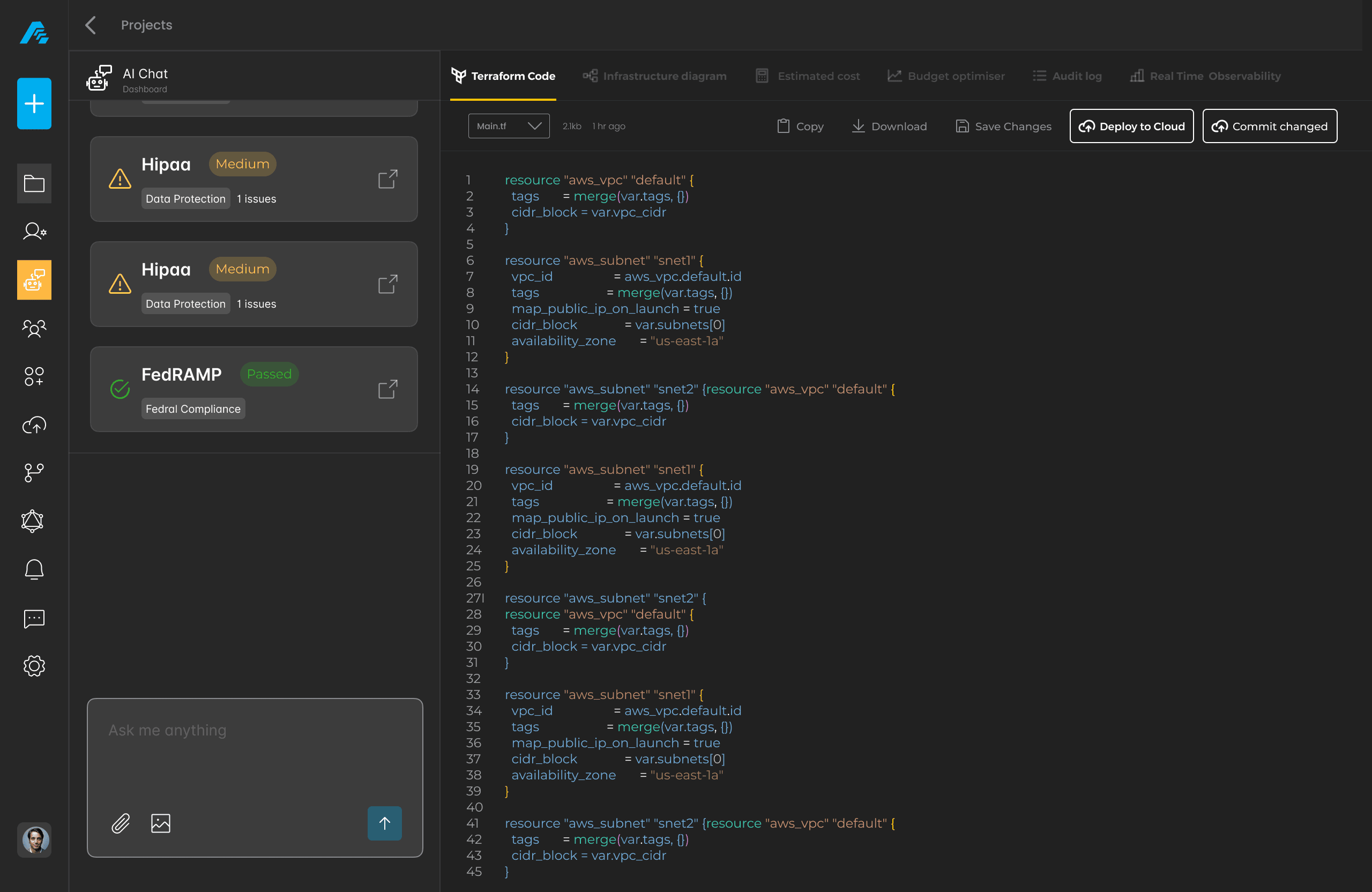
Terraform Management

Seamless CI/CD Integration Awaits

Effortlessly connect your Terraform code with your CI/CD pipeline for streamlined deployments. Experience the power of automation and take control of your infrastructure with just a few clicks.

FAQs
Find answers to common questions about the Terraform Code Viewer.
What is Terraform?
Terraform is an open-source infrastructure as code software tool. It allows you to define and provision data center infrastructure using a declarative configuration language. With AutoStack, you can easily view and manage your Terraform code.
How to view code?
To view your Terraform code, navigate to the Terraform Code Viewer in your dashboard. Select the project you want to inspect, and the code will be displayed in a syntax-highlighted format. You can also download or copy the code from this interface.
Can I edit code?
Yes, you can edit your Terraform code directly in the viewer. Simply click the 'Edit Design' button to make changes. After editing, you can save or deploy the updated code.
What if I encounter errors?
If you encounter errors while viewing or editing your code, check for syntax issues or missing configurations. The viewer highlights errors to help you identify problems. For further assistance, consult our troubleshooting guide.
Need more help?
If you still have questions, our support team is here to help. You can reach out via the contact form or check our documentation for more resources. We're committed to ensuring your success with AutoStack.
Still have questions?
We're here to assist you!
Contact

Connect

Get in Touch

We're here to assist you with any inquiries.

Email

Email

Reach us at

support@autostack.com
Phone

Phone

Call us at

+1 (555) 123-4567
Office

Office

456 Innovation Way, San Francisco CA 94105 US

Get Direction >
Office